



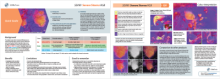
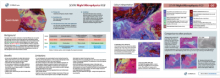


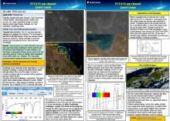
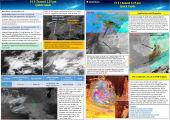
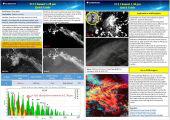









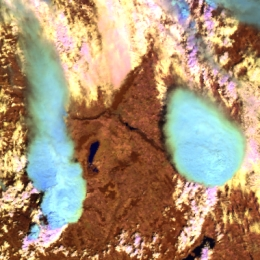
Deep convective clouds with strong updraft – severe convective clouds – often appear light blue in Cloud Phase RGB. The reason is that…
RGB Resources
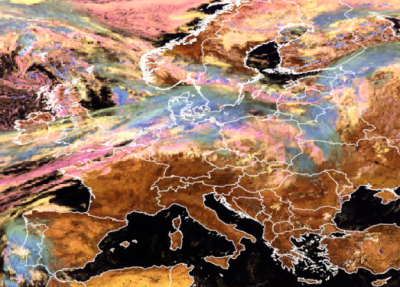
Recipes on how to create the standard RGB images from METEOSAT/SEVIRI and MetOp/AVHRR and VIIRS data.
Quick Guides provide essential information for using satellite products, including Sandwich products and RGBs, in operational forecasting. Each two-page guide summarises the product’s purpose, benefits, limitations and physical background, followed by practical image examples highlighting key features and their interpretation.
All the quick guides currently developed by EUMeTrain are available on this page. Also, at the end of the page there are examples of RGB Quick Guides from NASA SPORT.
Unified Quick Guide
Click on the image below to view the unified Quick Guide

Quick Guides on SEVIRI composite images
Quick Guides on composite images of other satellite imagers
Quick Guides on single channels of other satellite imagers
RGB Quick Guides by NASA Sport
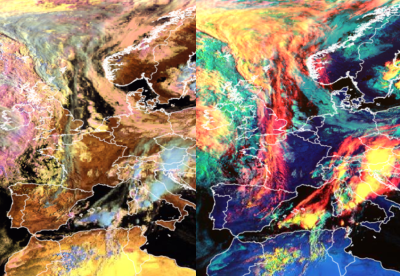
Detailed guides discussing the characteristics of the Cloud Phase RGB and Cloud Type RGB.
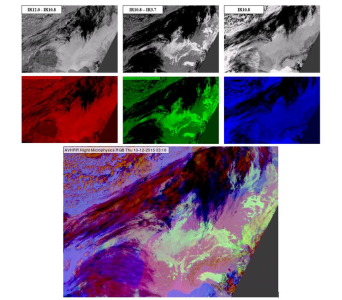
Summarising how to create a new RGB scheme and how to adapt an existing RGB scheme for a new imager.
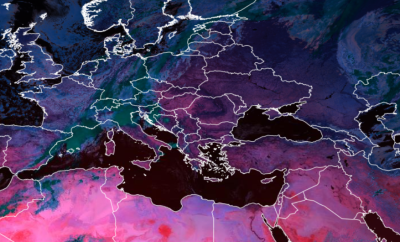
Based on the given RGB type, the tool retrieves the original reflectance or brightness temperature values for the used channels or the channel differences.
RGB Colour Guide
This guide will come in handy for matching colours in RGB images with cloud type or surface feature. It also works the other way round: you can select a meteorological phenomenon and ask for the colour that shows the phenomenon in a given RGB combination. The collection contains the standard RGBs created from the MSG/SEVIRI imager and also some RGBs from the VIIRS and AVHRR imagers.
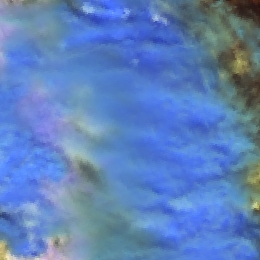
Thick ice clouds covered by large ice crystals appear medium blue in Cloud Phase RGB.
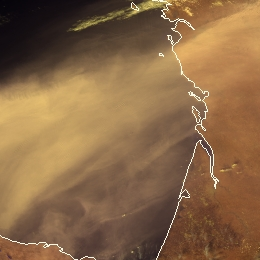
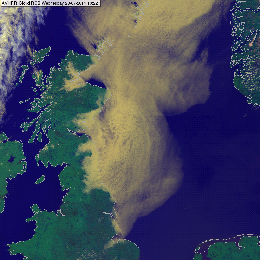
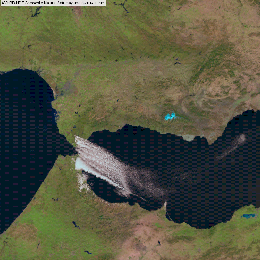
Dust clouds usually appear tan in VIIRS Cloud Phase RGB. Dust clouds are usually semi-transparent. Its actual colour shade depends both…
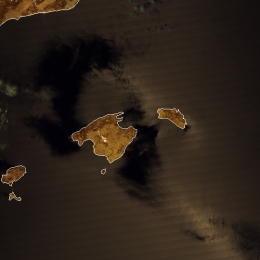
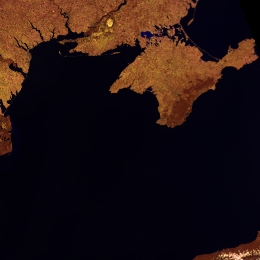
Open water bodies (outside the sunglint region) usually appears black in VIIRS Cloud Phase RGB. In some special conditions it might…
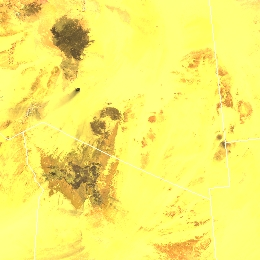
Sandy desert appears yellow in Cloud Phase RGB. Rocky deserts appear yellow with brownish or reddish shades, or grey.
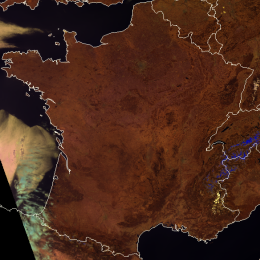
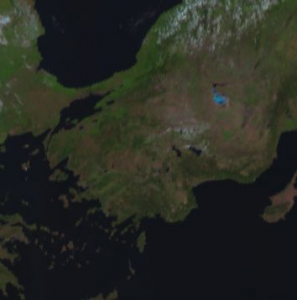
Vegetated land appears brown in the Cloud Phase RGB. The shade of brown depends on the vegetation type and the green vegetation fraction…
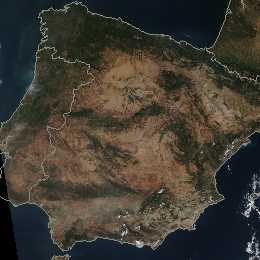
Bare soils and deserts usually appear brown or tan in the VIIRS True Colour RGB images.
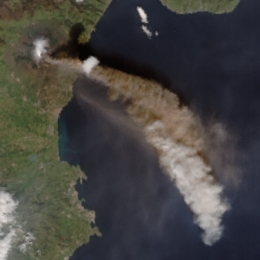
Volcanic ash clouds usually appear brownish or tan in the VIIRS True Colour RGB images.
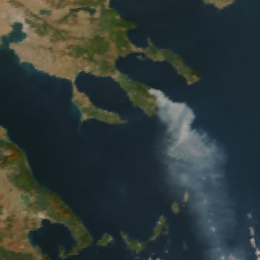
Biomass smoke plumes usually appear bluish grey or grey in the VIIRS True Colour RGB images. The smoke of an oil fire is black.
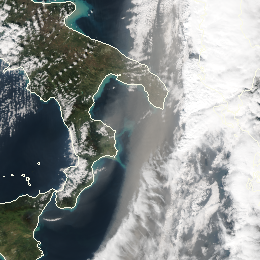
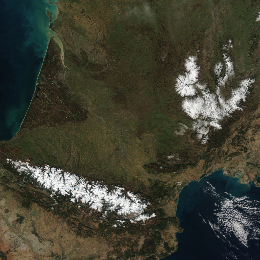
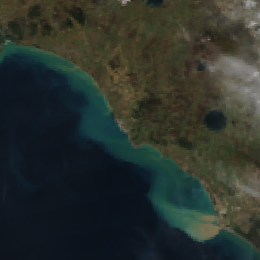
Water rich in suspended matter or shallow with sediments on its bottom appears greenish or blueish cyan in the VIIRS True Colour RGB…
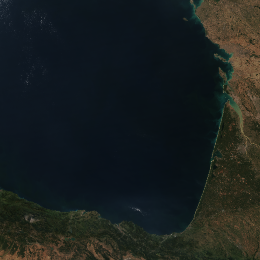
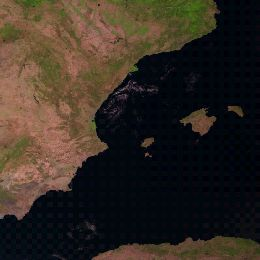
Deep, clean water bodies - most parts of oceans and seas – usually appear dark blue, almost black in the VIIRS True Colour RGB images,…
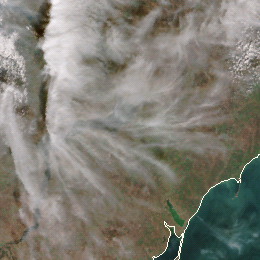
Thin clouds appear grey in the VIIRS True Colour RGB images. Very thin ice clouds are not seen.
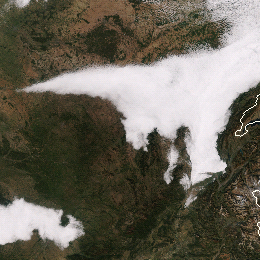
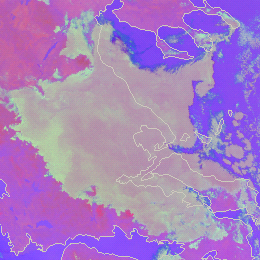
Thick fog or low clouds consisting of large droplets appear pinkish grey in the Night Microphysics RGB.
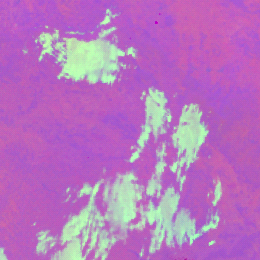
Thick fog or low clouds consisting of small droplets appear light green in the Night Microphysics RGB.
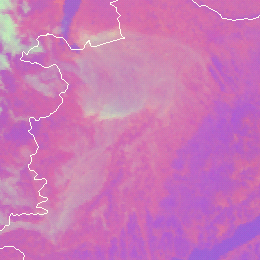
Thin fog or low clouds over land appear pinkish grey in the Night Microphysics RGB.

Thin fog or low clouds over sea appear greyish blue or medium blue in the Night Microphysics RGB.
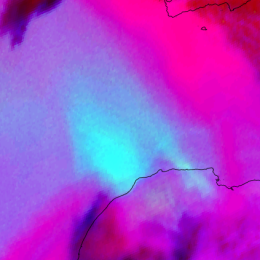
In the Night Microphysics RGB, warm thin dust clouds over a cold surface appear cyan.
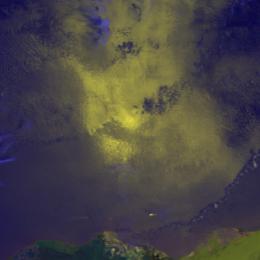
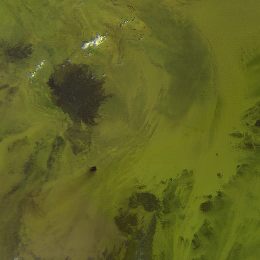
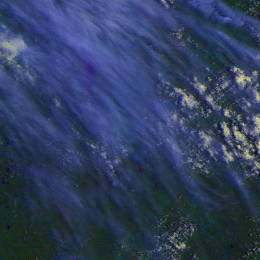
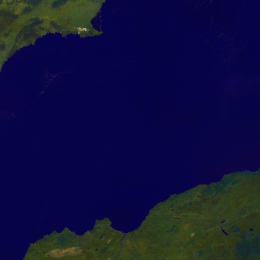
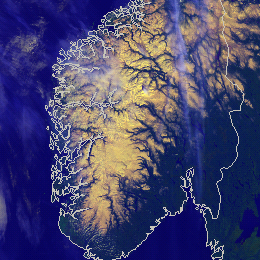
Fresh, cold, continuous snow appears yellow in the AVHRR Cloud RGB images.
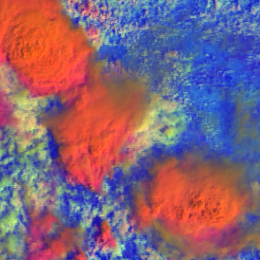
High-level, thick ice clouds with large particles on the cloud top appear red-orange in the MetOp AVHRR Day Microphysics RGB images.
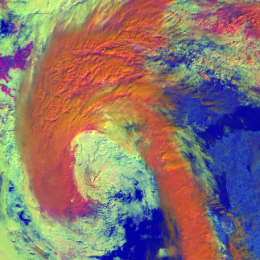
High-level, thick ice clouds with large particles on the cloud top appear red-orange in the MetOp AVHRR Day Microphysics RGB images.
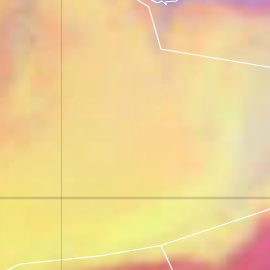
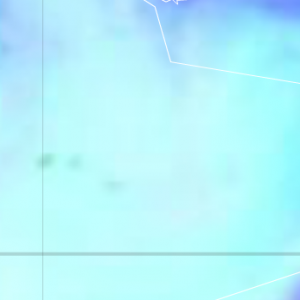
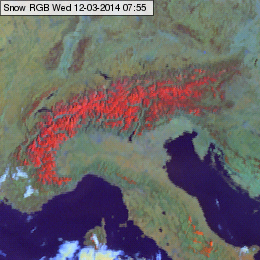
Snow free, non deserted, vegetated land usually appears greenish or slightly brownish in the Snow RGB. Bare soil may appear bluish.
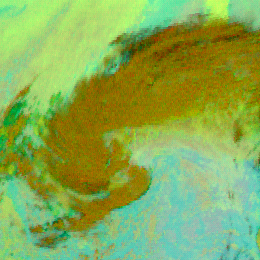
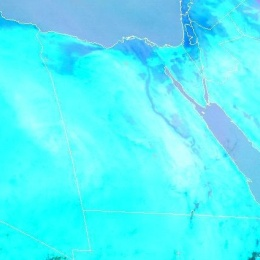
Sandy desert appears cyan in the Ash RGB images: aqua-cyan when the surface is hot, or greenish cyan (aquamarine) when the surface…
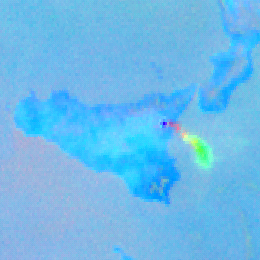
Pure volcanic sulphur dioxide gas plume appears typically (light) green in the Ash RGB images.
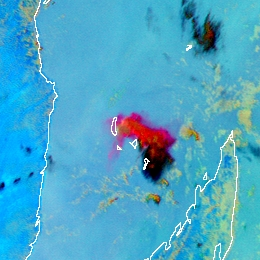
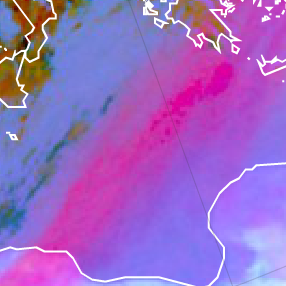
Thin, pure volcanic ash cloud appears typically red or magenta in the Ash RGB images.
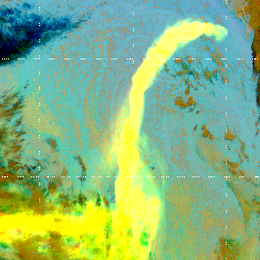
Mixed volcanic ash and sulphur dioxide gas plumes appear yellow in the Ash RGB images.
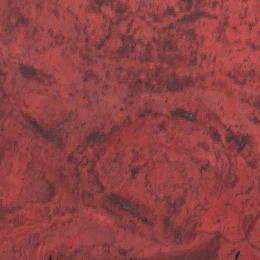
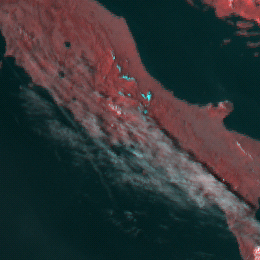
Semitransparent ice clouds appear greyish in the HRV Fog RGB images (with cyan tones).
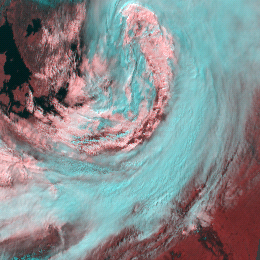
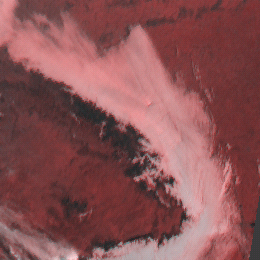
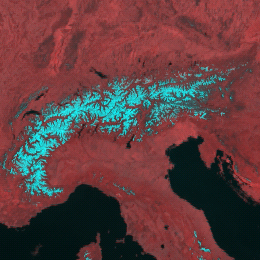
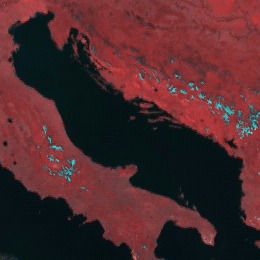
Sea, lakes and rivers (open water surfaces) appears black in the HRV Fog RGB images.
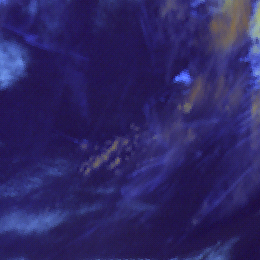
Very thin cirrus clouds over sea are pale blue in the Snow RGB images.
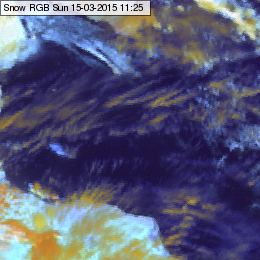
Semitransparent ice clouds can be shown in several colours in the Snow RGB images: from orange, yellowish to pale blue colours.
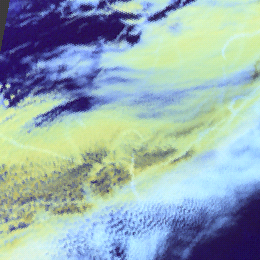
Fog, water clouds with large droplets on the cloud top appear light yellow with some greenish tones in the Snow RGB images.
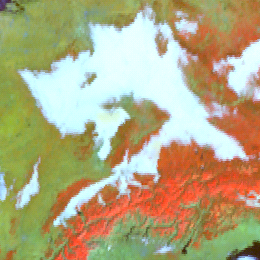
Fog, low stratus and water clouds with small droplets on the cloud top appear white in the Snow RGB images.
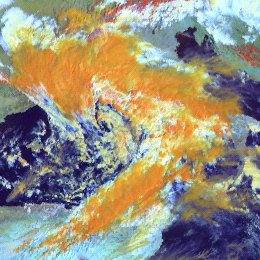
Thick ice clouds usually appear orange in the Snow RGB images. Thick ice clouds with small ice crystals on the top appear light orange,…
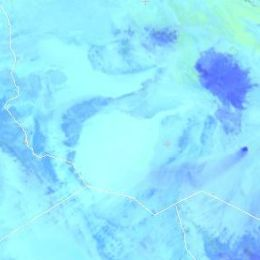
Sandy desert appears light blue in the Snow RGB, in some areas with greenish shades. Rocky desert appears medium blue.

Sea, lakes and rivers (open water surfaces) appears dark blue in the Snow RGB images.
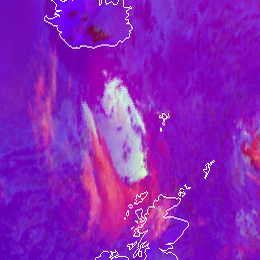
Mid-level water clouds are depicted in greyish colours in the Severe Storms RGB images.
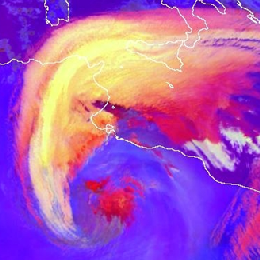
Dust polluted ice clouds usually depict yellow in the Severe Storms RGB, because their tops consist of small ice crystals due to the…
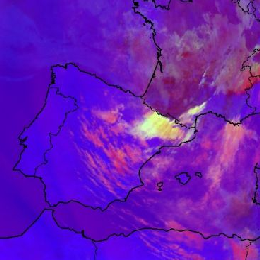
The thick part of the high level lee cloudiness usually shows up in bright yellow colours, while the thin part depicts in pink.
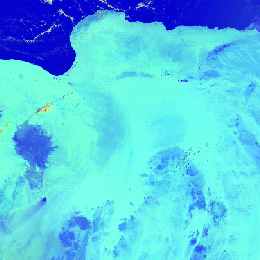
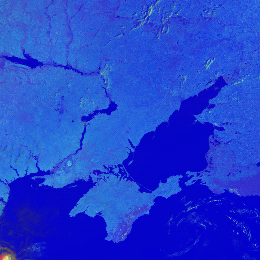
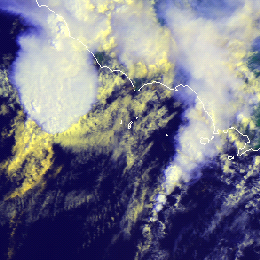
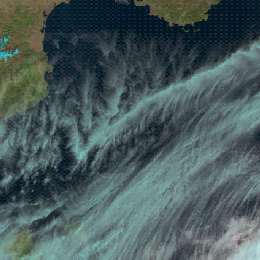
Stratiform cirrus clouds are depicted in cyan colour in the Natural Colour RGB images.
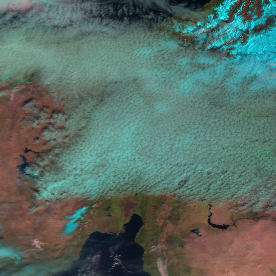
Cumuliform cirrus clouds are depicted in cyan colour in the Natural Colour RGB images.
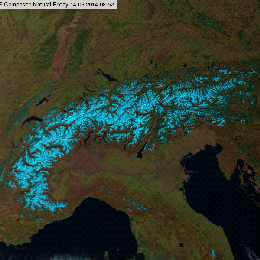
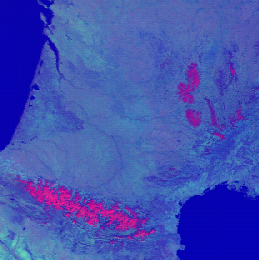
In the Natural Colour RGB images the snow covered area appears cyan or bright blue.
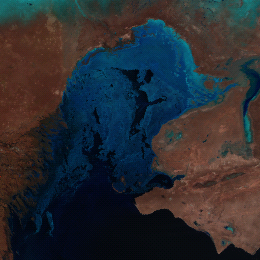
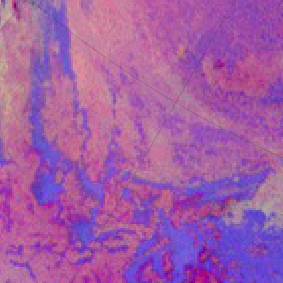
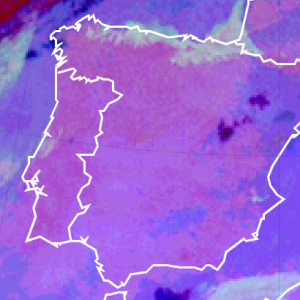
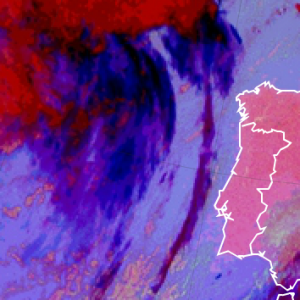
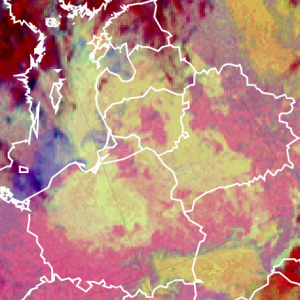
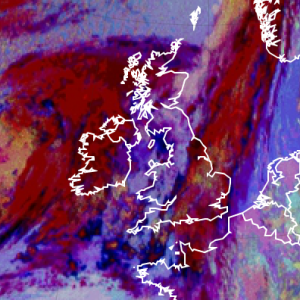
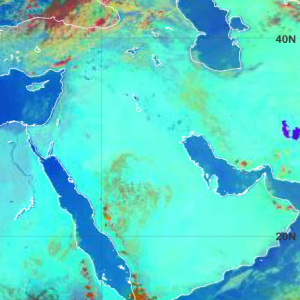
Low level water clouds over water surfaces are light bluish, although often hardly recognisable in the Severe Storms RGB images.
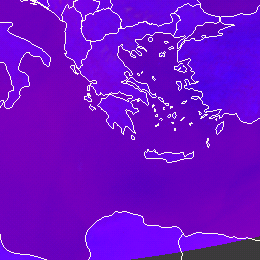
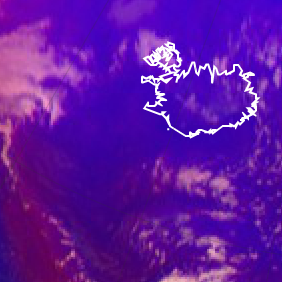
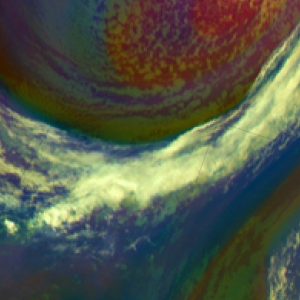
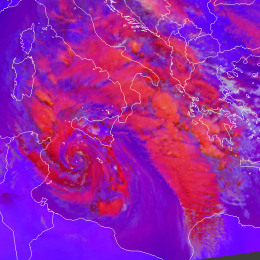
Frontal cloud bands and deep convective clouds without strong updraft are typically shown in red tones in the Severe Storms RGB images…
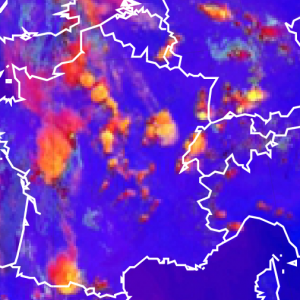
Developing, active thunderstorms with strong updraft have bright yellow colours on its top.
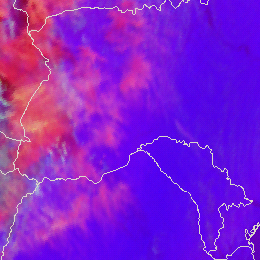
Semitransparent ice clouds are typically pink in the Severe Storms RGB images.
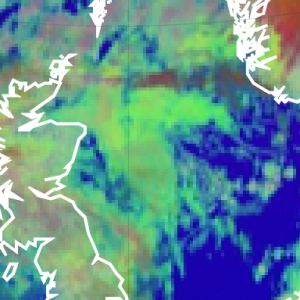
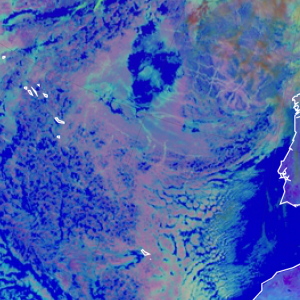
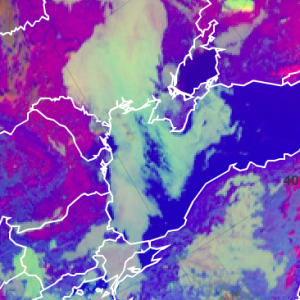
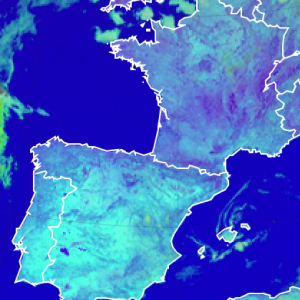
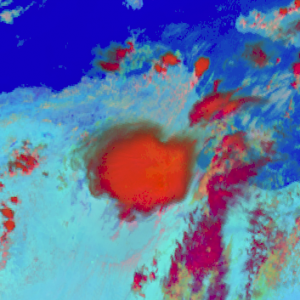
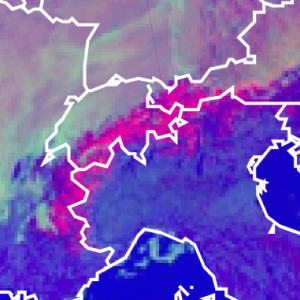
In the Day Microphysics RGB, snow and ice on the ground depicts in magenta colours.
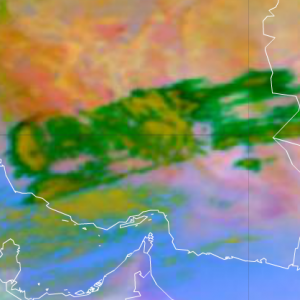
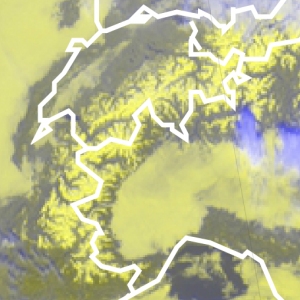
In the HRV Cloud RGB, snow and ice on the ground depict in yellow colours.
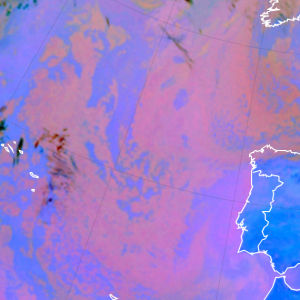
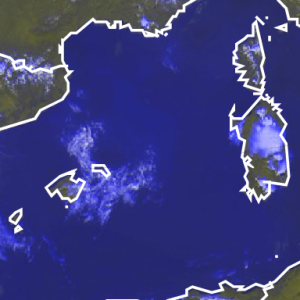
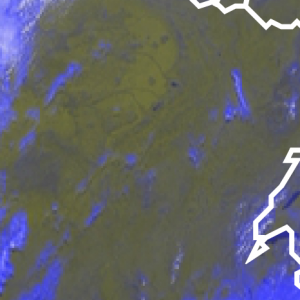
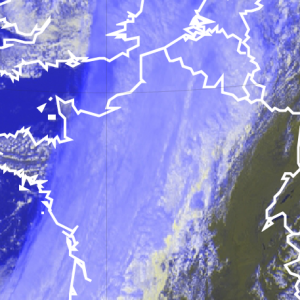
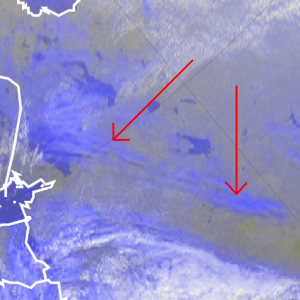
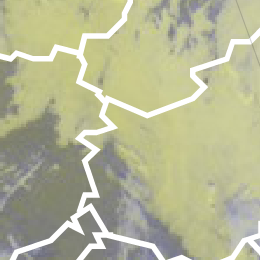
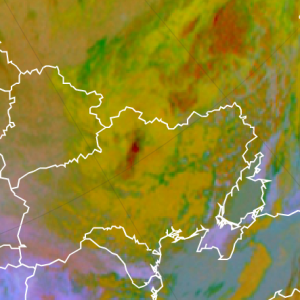
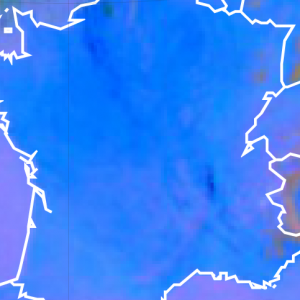
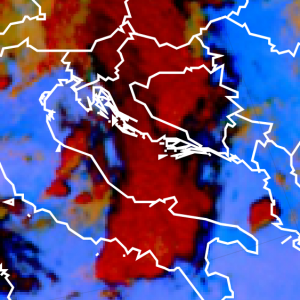
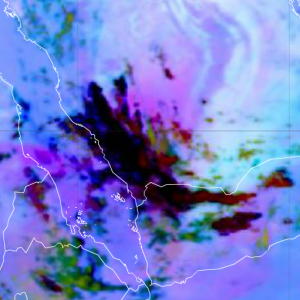
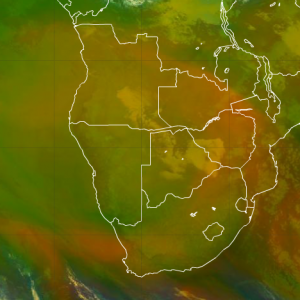
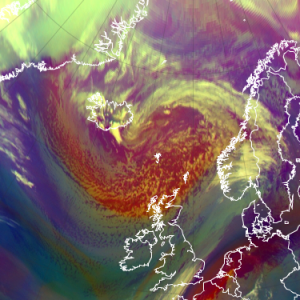
In the Airmass RGB, tropical air masses with low upper level humidity depict in olive colours.
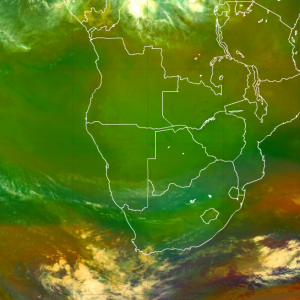
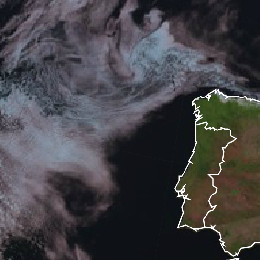
In the Natural Colour RGB, water clouds are depricted in white. Very low water clouds turn into red and when ice appears on the top of…
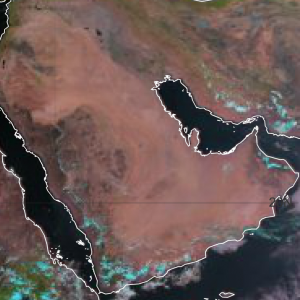
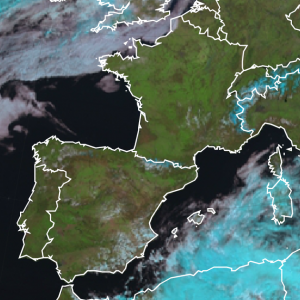
In the Natural Colour RGB, the green colour over land depicts vegetation cover.
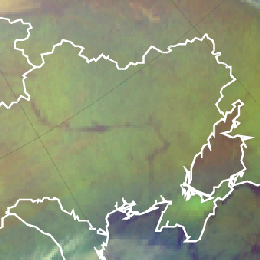
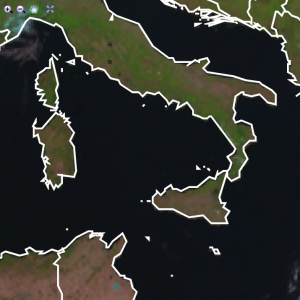
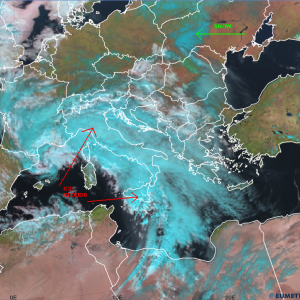
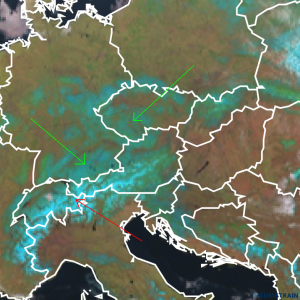
In the Natural Colour RGB, snow and ice on the earth surface depict in cyan colour.